 e1921fc8c0
### _Why are the changes needed?_ make documentation style to fit official web site ### _How was this patch tested?_ - [ ] Add some test cases that check the changes thoroughly including negative and positive cases if possible - [x] Add screenshots for manual tests if appropriate 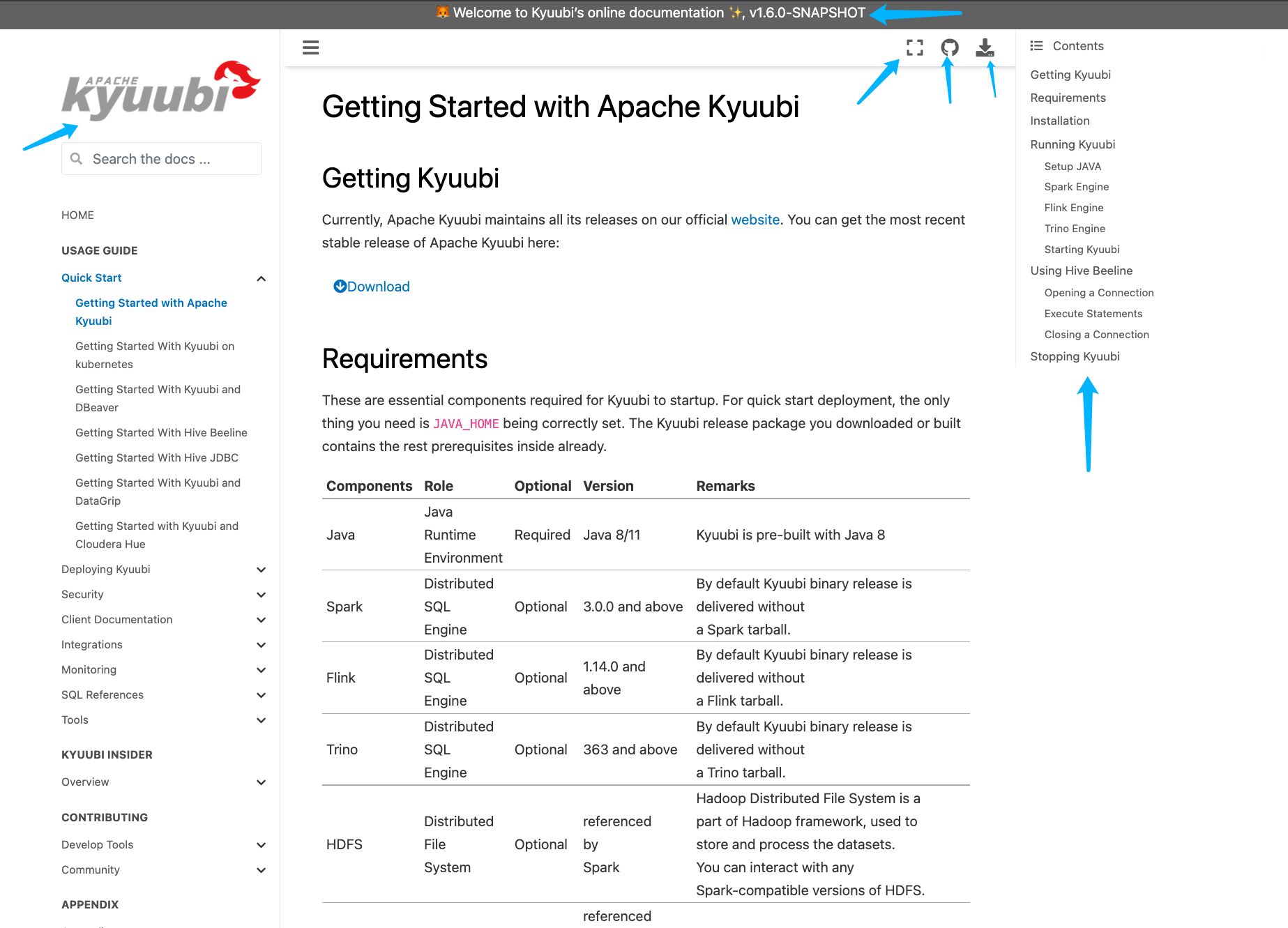 - [x] [Run test](https://kyuubi.apache.org/docs/latest/develop_tools/testing.html#running-tests) locally before make a pull request Closes #2751 from yaooqinn/doc2. Closes #2751 b8123525 [Kent Yao] Switch Authored-by: Kent Yao <yao@apache.org> Signed-off-by: Cheng Pan <chengpan@apache.org>

3.8 KiB
3.8 KiB
Installing and Configuring Kyuubi Spark AuthZ Plugin
Pre-install
-
This plugin works as a ranger rest client with Apache Ranger admin server to do privilege check. Thus, a ranger server need to be installed ahead and available to use.
-
Building(optional)
If your ranger admin or spark distribution is not compatible with the official pre-built artifact in maven central. You need to build the plugin targeting the spark/ranger you are using by yourself.
Install
With the kyuubi-spark-authz_*.jar and its transitive dependencies available for spark runtime classpath, such as
- Copied to
$SPARK_HOME/jars, or - Specified to
spark.jarsconfiguration
Configure
Settings for Connecting Ranger Admin
ranger-spark-security.xml
- Create
ranger-spark-security.xmlin$SPARK_HOME/confand add the following configurations for pointing to the right Ranger admin server.
<configuration>
    <property>
        <name>ranger.plugin.spark.policy.rest.url</name>
        <value>ranger admin address like http://ranger-admin.org:6080</value>
    </property>

    <property>
        <name>ranger.plugin.spark.service.name</name>
        <value>a ranger hive service name</value>
    </property>

    <property>
        <name>ranger.plugin.spark.policy.cache.dir</name>
        <value>./a ranger hive service name/policycache</value>
    </property>

    <property>
        <name>ranger.plugin.spark.policy.pollIntervalMs</name>
        <value>5000</value>
    </property>

    <property>
        <name>ranger.plugin.spark.policy.source.impl</name>
        <value>org.apache.ranger.admin.client.RangerAdminRESTClient</value>
    </property>

</configuration>
ranger-spark-audit.xml
Create ranger-spark-audit.xml in $SPARK_HOME/conf and add the following configurations
to enable/disable auditing.
<configuration>

    <property>
        <name>xasecure.audit.is.enabled</name>
        <value>true</value>
    </property>

    <property>
        <name>xasecure.audit.destination.db</name>
        <value>false</value>
    </property>

    <property>
        <name>xasecure.audit.destination.db.jdbc.driver</name>
        <value>com.mysql.jdbc.Driver</value>
    </property>

    <property>
        <name>xasecure.audit.destination.db.jdbc.url</name>
        <value>jdbc:mysql://10.171.161.78/ranger</value>
    </property>

    <property>
        <name>xasecure.audit.destination.db.password</name>
        <value>rangeradmin</value>
    </property>

    <property>
        <name>xasecure.audit.destination.db.user</name>
        <value>rangeradmin</value>
    </property>

</configuration>
Settings for Spark Session Extensions
Add org.apache.kyuubi.plugin.spark.authz.ranger.RangerSparkExtension to the spark configuration spark.sql.extensions.
spark.sql.extensions=org.apache.kyuubi.plugin.spark.authz.ranger.RangerSparkExtension