 e1921fc8c0
### _Why are the changes needed?_ make documentation style to fit official web site ### _How was this patch tested?_ - [ ] Add some test cases that check the changes thoroughly including negative and positive cases if possible - [x] Add screenshots for manual tests if appropriate 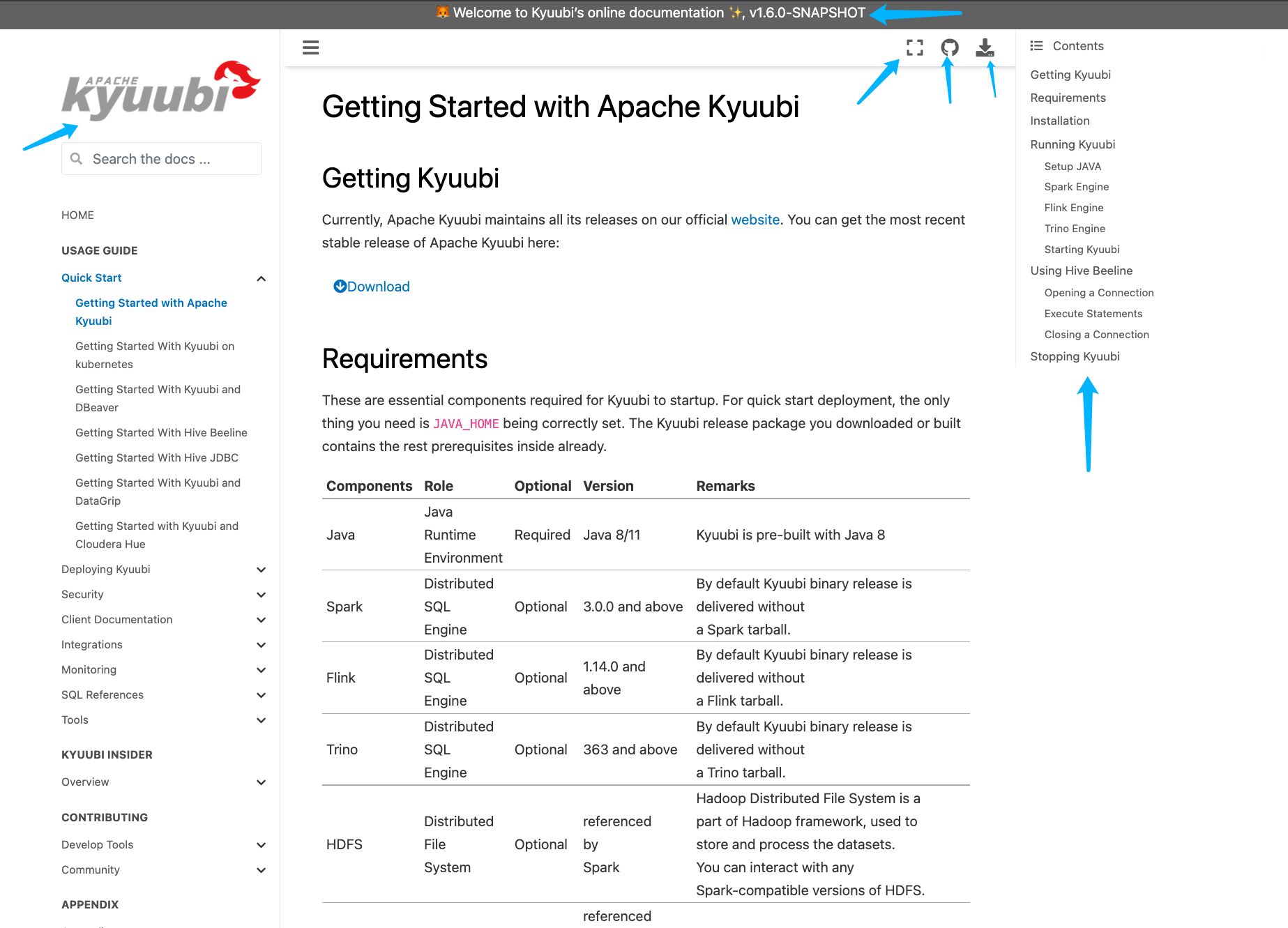 - [x] [Run test](https://kyuubi.apache.org/docs/latest/develop_tools/testing.html#running-tests) locally before make a pull request Closes #2751 from yaooqinn/doc2. Closes #2751 b8123525 [Kent Yao] Switch Authored-by: Kent Yao <yao@apache.org> Signed-off-by: Cheng Pan <chengpan@apache.org>

1.8 KiB
1.8 KiB
Building Kyuubi Documentation
Follow the steps below and learn how to build the Kyuubi documentation as the one you are watching now.
Install & Activate virtualenv
Firstly, install virtualenv, this is optional but recommended as it is useful to create an independent environment to resolve dependency issues for building the documentation.
pip install virtualenv
Switch to the docs root directory.
cd $KTUUBI_HOME/docs
Create a virtual environment named 'kyuubi' or anything you like using virtualenv if it's not existing.
virtualenv kyuubi
Activate it,
source ./kyuubi/bin/activate
Install all dependencies
Install all dependencies enumerated in the requirements.txt.
pip install -r requirements.txt
Create Documentation
make html
If the build process succeed, the HTML pages are in _build/html.
View Locally
Open the _build/html/index.html file in your favorite web browser.