 e1921fc8c0
### _Why are the changes needed?_ make documentation style to fit official web site ### _How was this patch tested?_ - [ ] Add some test cases that check the changes thoroughly including negative and positive cases if possible - [x] Add screenshots for manual tests if appropriate 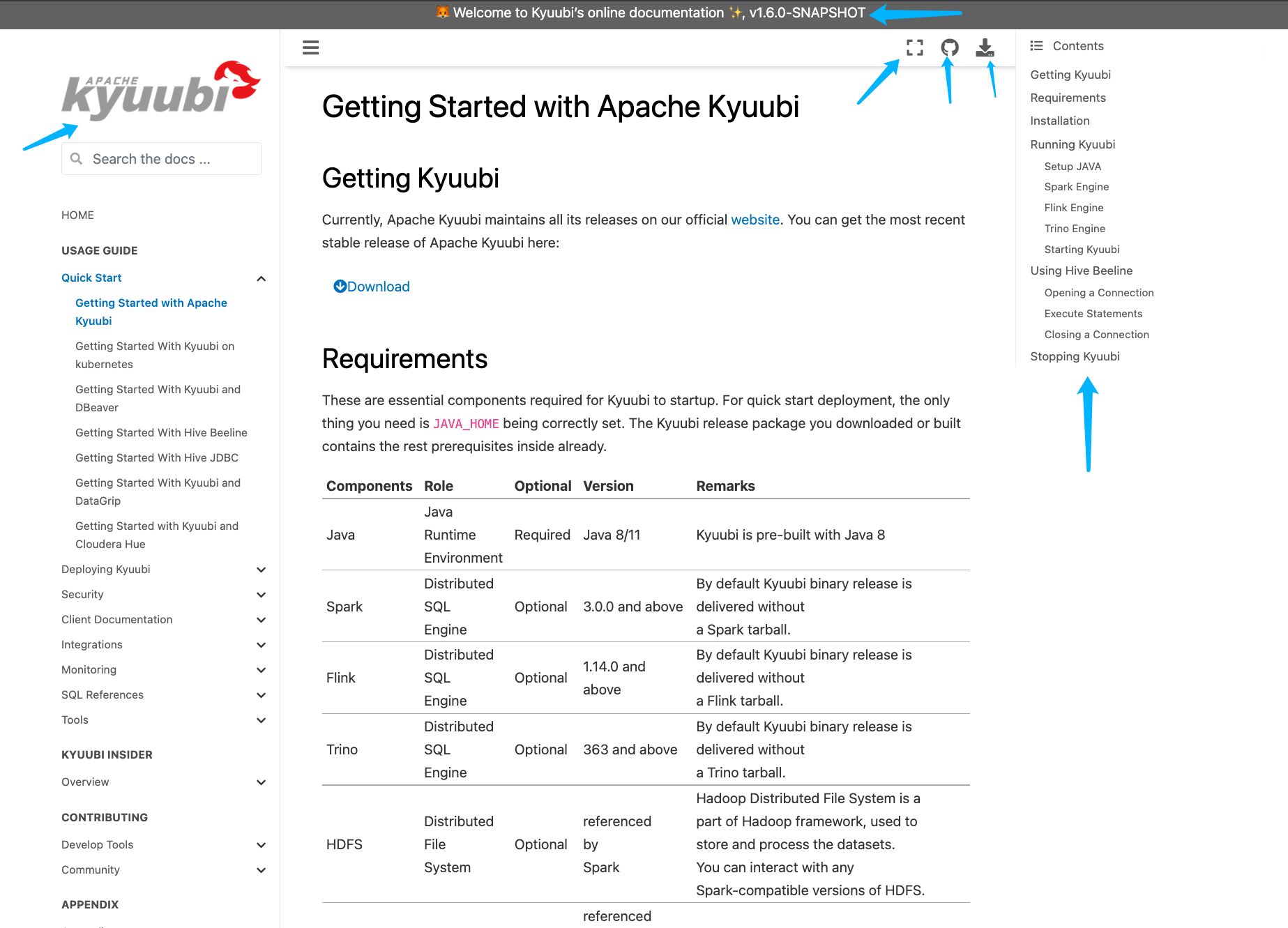 - [x] [Run test](https://kyuubi.apache.org/docs/latest/develop_tools/testing.html#running-tests) locally before make a pull request Closes #2751 from yaooqinn/doc2. Closes #2751 b8123525 [Kent Yao] Switch Authored-by: Kent Yao <yao@apache.org> Signed-off-by: Cheng Pan <chengpan@apache.org>

3.3 KiB
3.3 KiB
Getting Started With Hive JDBC
How to install JDBC driver
Kyuubi JDBC driver is fully compatible with the 2.3.* version of hive JDBC driver, so we reuse hive JDBC driver to connect to Kyuubi server.
Add repository to your maven configuration file which may reside in $MAVEN_HOME/conf/settings.xml.
<repositories>
  <repository>
    <id>central maven repo</id>
    <name>central maven repo https</name>
    <url>https://repo.maven.apache.org/maven2</url>
  </repository>
</repositories>
You can add below dependency to your pom.xml file in your application.
<!-- https://mvnrepository.com/artifact/org.apache.hive/hive-jdbc -->
<dependency>
    <groupId>org.apache.hive</groupId>
    <artifactId>hive-jdbc</artifactId>
    <version>2.3.7</version>
</dependency>
<dependency>
    <groupId>org.apache.hadoop</groupId>
    <artifactId>hadoop-common</artifactId>
    <!-- keep consistent with the build hadoop version -->
    <version>2.7.4</version>
</dependency>
Use JDBC driver with kerberos
The below java code is using a keytab file to login and connect to Kyuubi server by JDBC.
package org.apache.kyuubi.examples;

import java.io.IOException;
import java.security.PrivilegedExceptionAction;
import java.sql.*;

import org.apache.hadoop.security.UserGroupInformation;

public class JDBCTest {

    private static String driverName = "org.apache.hive.jdbc.HiveDriver";
    private static String kyuubiJdbcUrl = "jdbc:hive2://localhost:10009/default;";

    public static void main(String[] args) throws ClassNotFoundException, SQLException {
        String principal = args[0]; // kerberos principal
        String keytab = args[1]; // keytab file location
        Configuration configuration = new Configuration();
        configuration.set(HADOOP_SECURITY_AUTHENTICATION, "kerberos");
        UserGroupInformation.setConfiguration(configuration);
        UserGroupInformation ugi = UserGroupInformation.loginUserFromKeytabAndReturnUGI(principal, keytab);

        Class.forName(driverName);
        Connection conn = ugi.doAs(new PrivilegedExceptionAction<Connection>(){
            public Connection run() throws SQLException {
                return DriverManager.getConnection(kyuubiJdbcUrl);
            }
        });
        Statement st = conn.createStatement();
        ResultSet res = st.executeQuery("show databases");
        while (res.next()) {
            System.out.println(res.getString(1));
        }
        res.close();
        st.close();
        conn.close();
    }
}